Tag Toolbox
Tag Toolbox adds the tag-hygiene tools FluentCRM is missing: merge, dedupe, clear out unused tags, and rename in place.
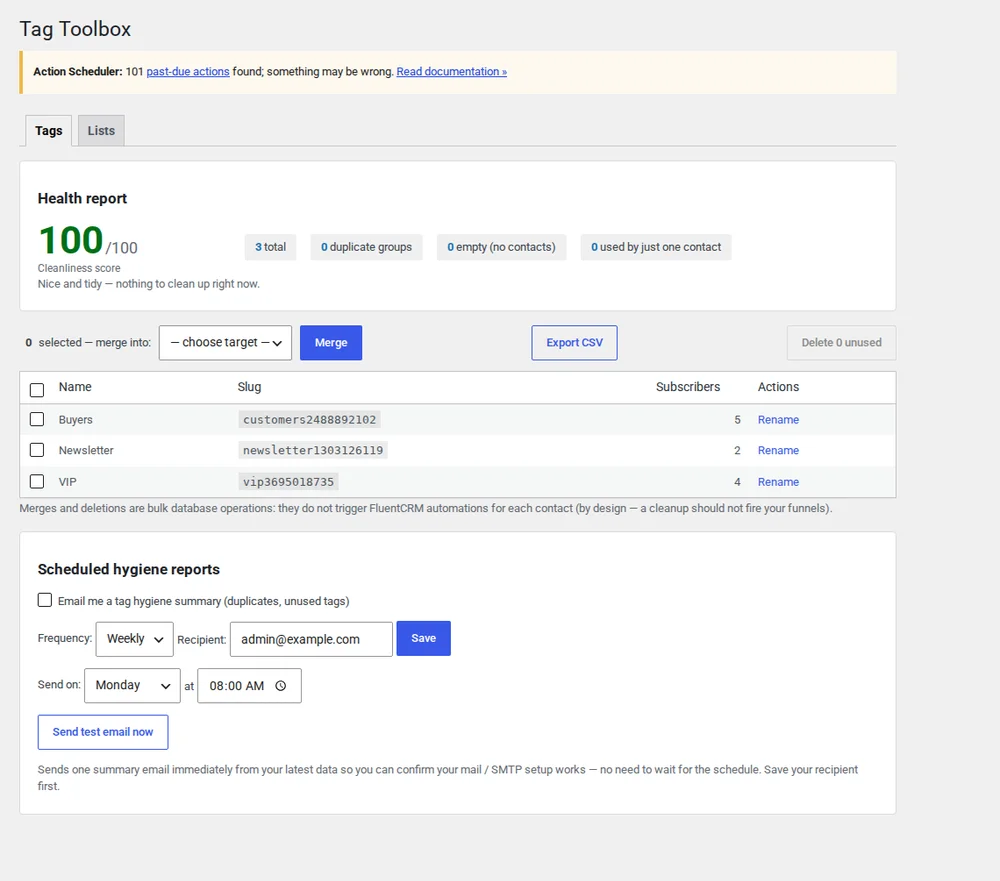
Use FluentCRM long enough and your tags turn into a mess.
Over time you end up with near-duplicates that differ only in case, typos that slipped through, and tags nobody applies any more. FluentCRM's own interface has no bulk merge and no cleanup, so you're left fixing them one at a time. Tag Toolbox adds the batch hygiene tools the native UI leaves out, and handles the risky operations, like merging, without losing contacts.
Merge and de-duplicate
Tag Toolbox finds duplicate tags regardless of case, then merges them into one. Contacts move across cleanly, the pivot stays correct, and you can rename the result in place without touching anything else.
- Case-insensitive duplicate detection
- Safe merge, no contacts lost, no duplicate pivot rows
- Rename in place
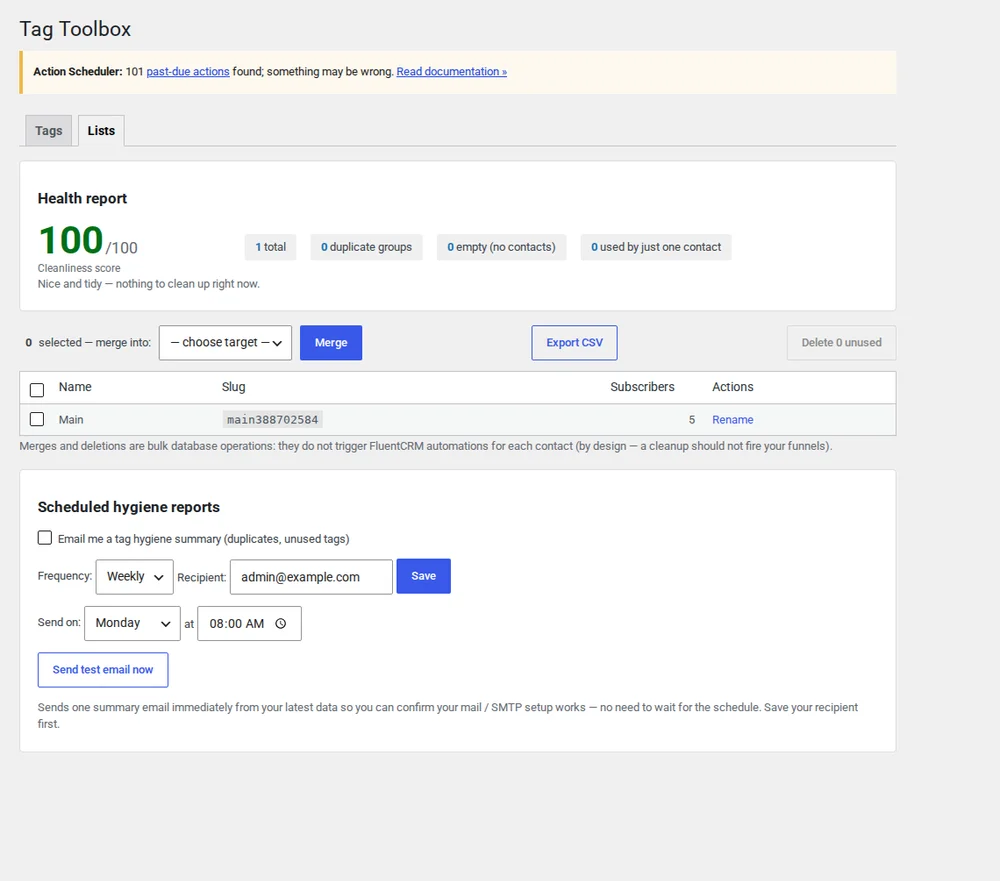
Clear out the ones nobody uses
Tag Toolbox surfaces every tag with zero contacts attached, so you can see what's sitting there, and remove the whole lot in a single pass instead of clicking through them one by one.
- Find unused, zero-contact tags
- Remove them all in one pass
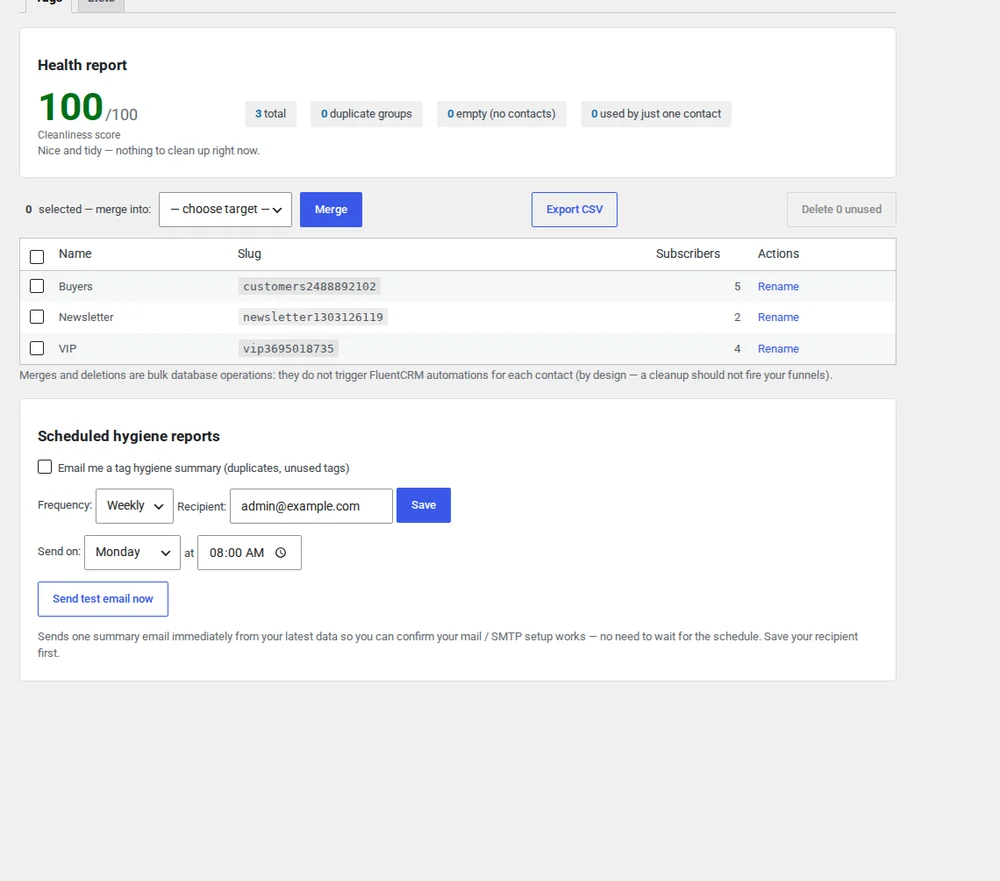
A health score that keeps tags tidy on its own
Pro tracks an overall tag health score, lets you set auto-merge rules so duplicates never pile up again, and emails you a scheduled hygiene report so cleanup happens on a regular schedule instead of only when you remember.
- Tag health score
- Auto-merge rules
- Scheduled hygiene reports by email
Everything in Free stays free
The free version is a complete tag-cleanup toolkit. Pro adds the automatic, hands-off layer.
| Feature | Free | Pro |
|---|---|---|
| Duplicate detection | ✓ | ✓ |
| Safe merge | ✓ | ✓ |
| Rename in place | ✓ | ✓ |
| Remove unused tags | ✓ | ✓ |
| Tag health score | — | ✓ |
| Auto-merge rules | — | ✓ |
| Scheduled hygiene reports | — | ✓ |
Tag Toolbox questions
- Will merging tags lose contacts or change their subscription status?
- No. A merge moves every contact from the old tag onto the surviving one and handles the pivot correctly, so nobody is dropped and no duplicate rows are created. Subscription status lives on the contact, not the tag, so it's untouched.
- Can I run a merge more than once safely?
- Yes. Merges are idempotent: running the same merge again does nothing extra, because a contact who already has the surviving tag is left as-is rather than getting a second copy.
- Which version of FluentCRM does it support?
- Tag Toolbox works with current FluentCRM and reads its tags and contact relationships directly, so there's no separate setup or import. It works the same whether you run the free or Pro edition of FluentCRM.
- Is there a preview, and can I undo?
- Before any merge or cleanup runs, Tag Toolbox shows you what will be affected: which tags go away, which one survives, and how many contacts move. Because merges are non-destructive to contacts, the safe path is to review that preview before you confirm.
Tidy up your FluentCRM tags today
Install the free version from wordpress.org. Upgrade to Pro when you want a health score, auto-merge rules and scheduled reports.